
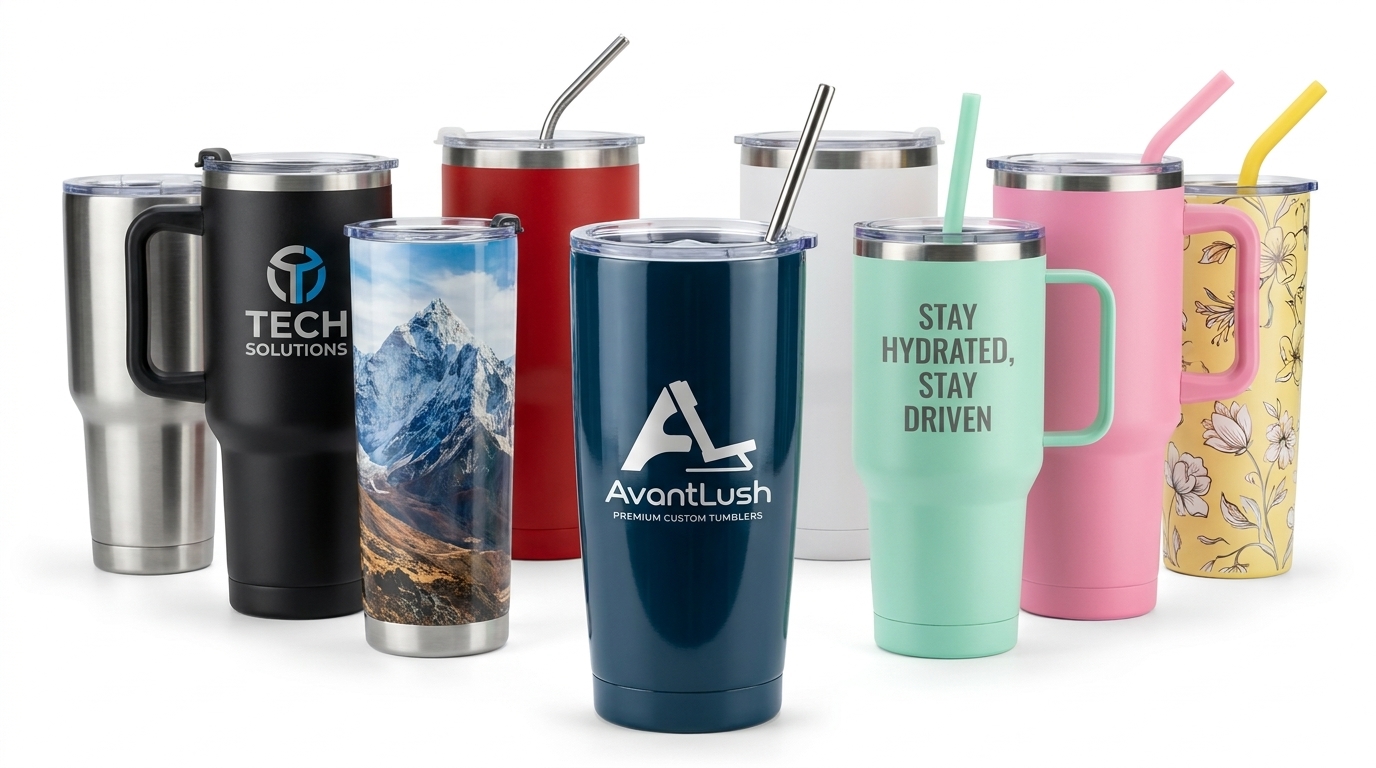
Blurry prints usually start with the file—not the printer. Learn what 300 DPI means in plain language, which photos work best, and how AvantLush’s upload check helps you catch issues before you checkout.
Suggested body outline:
- What 300 DPI means for gifts — dots per inch vs. “will it look good at this size?”
- Phone photos that work — recent iPhone/Android shots, avoid heavy zoom/crop.
- What to avoid — screenshots, WhatsApp-compressed images, tiny crops of faces.
- Size vs. product — small acrylic vs. large canvas needs more pixels.
- Quick checklist — lighting, focus, one main subject, leave margin for crop.
- Using the personalize tool — live preview, DPI warning, fix before paying.
- CTA — Upload with confidence on Personalize.
Comments